01
Automate recurring invoice cycles
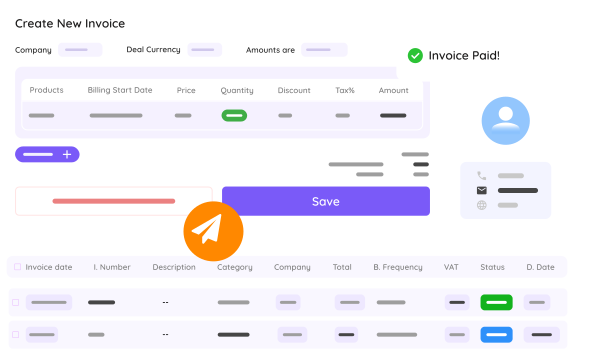
Set the cadence once for subscriptions and retainers, weekly, monthly or quarterly. The invoice goes out on its own and the month-end run stops being manual.

Generate and send invoices from connected project and CRM context. Keep payment follow-up structured and visible.
Most finance friction comes from disconnected tools and unclear ownership.
Customer and product details are re-entered, increasing errors and rework.
Subscription and maintenance invoices are not always generated on time.
Outstanding invoices are spread across systems and follow-up gets delayed.
Invoices are sent too late because delivery milestones are not linked to billing.
The work
Three steps, on the same platform.
Set the cadence once for subscriptions and retainers, weekly, monthly or quarterly. The invoice goes out on its own and the month-end run stops being manual.
The invoice pulls the address, the contact and the project terms from the same client record, so nothing is re-entered and nothing drifts apart.
You see per invoice whether it is open or paid, and reminders go out on a set flow. Finance and operations look at the same view.
Run day-to-day billing with less admin overhead.
Create invoices from events and schedules instead of manual drafting.
Handle subscriptions and service cycles with structured cadence.
Keep customer and service context attached to every invoice.
Track outstanding amounts and keep collections organized.
Billing is a module you switch on per person. The rest of your team never sees it on the bill.
Yes. You can configure recurring invoice schedules for subscriptions and long-term services.
Yes. Customer and related context can be linked so invoice preparation needs less manual input.
Yes. Payment status tracking and reminder workflows help teams follow up faster.
Yes. Invoicing can be triggered by project milestones and delivery events.
Use a connected billing setup that aligns projects, customer data, and payment follow-up.
Book a demo
30 minutes, no slide decks. Real product, real workflows. We'll reach out within one business day.
Get started free
Leave your details, we'll send you a free trial.