
What Is Resource Allocation? Methods, Process, and Common Mistakes

What is resource allocation?
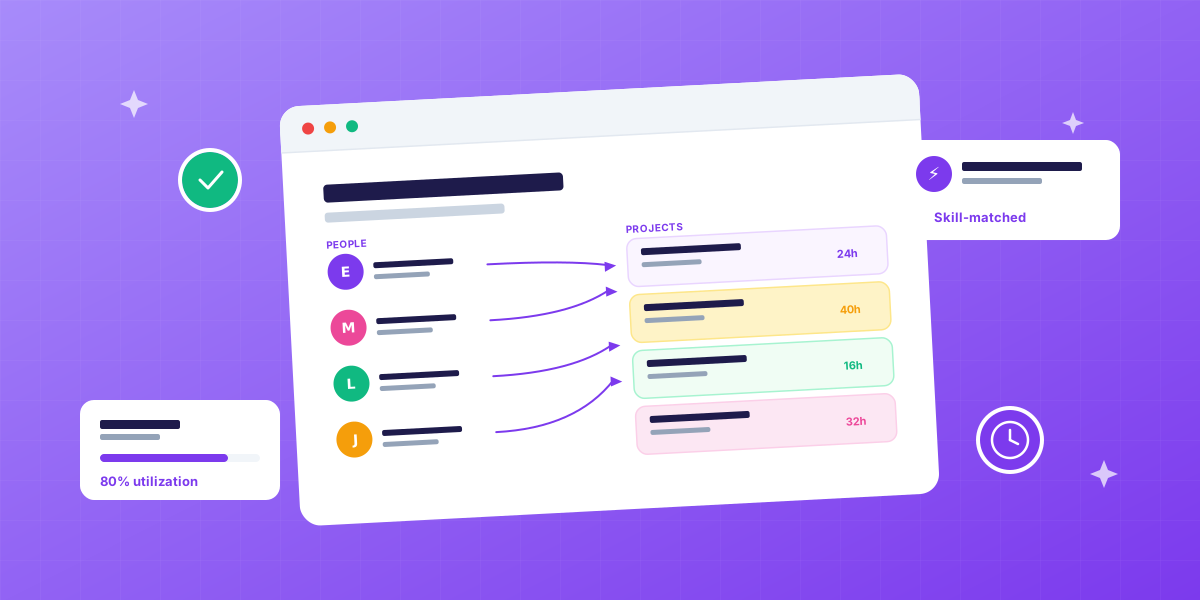
Resource allocation is the practice of matching specific people, hours and tools to specific pieces of work. In a service business, agency, consultancy, design studio, IT firm, every task answers four questions: who does it, when, for how many hours, and with what skill.
Get those four answers right and projects ship on time at healthy margin. Get any one wrong and the project starts leaking.
The resources being allocated are:
- People: team members with their skills, seniority and availability
- Time: the hours each person can realistically deliver
- Tools: software seats, licenses, equipment, meeting rooms
- Budget: the financial limits behind each task
This sits inside the broader practice of resource management. Allocation is the act; management is the system.
Why does resource allocation matter?
Because in a service business, your team is your product, and how you allocate them decides whether you ship work profitably. Research from the Project Management Institute consistently identifies poor resource allocation among the top reasons projects fail to meet objectives.
Three concrete consequences when allocation breaks:
1. Margin compression. A senior on junior work, or a junior on senior work, distorts both quality and cost. Both directions hurt the P&L.
2. Predictable burnout. When the same two reliable people get every new project, one of them quits within a year. Replacement cost is typically 50-200% of annual salary.
3. Idle capacity. While stars are at 110%, juniors might be at 45%. You’re paying for hours that produce no revenue.
Industry research suggests agencies lose 15-20% of margin to resource allocation problems, not from external causes, but from internal misalignment that compounds week over week.
What are the four resource allocation methods?
There are four primary methods, and choosing between them is itself a strategic decision. Most agencies default to one and use the others tactically.
1. Skill-based allocation
Match work to the right skill first, then check availability. The default for healthy agencies. Output quality is highest; allocation takes longer.
2. Time-based allocation
Whoever is free Monday gets the new task. Fast, but ignores skill and creates rotating overload patterns where the same people absorb every gap.
3. Priority-based allocation
Top-priority work gets the best available person, regardless of utilization. Reserved for client emergencies and strategic accounts.
4. Cost-based allocation
Match work to the lowest-cost qualified person to protect margin. Useful for fixed-price projects where hours overrun directly hits profit.
The smart move is defaulting to skill-based and switching tactically. A pure cost-based agency wins on margin and loses on quality. A pure skill-based agency ships beautifully and goes broke on senior hours.
How does the resource allocation process work?
A repeatable five-step process turns ad-hoc assignment into a system. Most agencies do steps 1-4 inconsistently and skip step 5 entirely.
Step 1: List the work
Break each project into tasks with required skills and estimated hours. Vague tasks (“design work, ~1 week”) produce vague allocations.
Step 2: Map available capacity
Not scheduled hours, available hours. For a 40-hour scheduled employee, available hours are typically 28-32 after meetings, admin, training and PTO.
Step 3: Match skill, then availability
The order matters. “Marc has 12 hours free” doesn’t mean Marc should do this task. Always match skill first, then check hours.
Step 4: Plan to 75-85% utilization
Never 100%. The 15-25% buffer absorbs sick days, scope creep, sales support and context-switching. Without it, the first surprise blows up the schedule.
Step 5: Review weekly and reallocate
Allocation isn’t a one-time decision. Reality shifts every Tuesday. A weekly review catches problems before they become emergencies. This is the step that separates good agencies from mediocre ones.
What are the most common resource allocation mistakes?
Six mistakes account for almost every allocation problem in agencies. Recognize them and the fix is usually fast.
1. Planning at 100% utilization
The math says 40 hours. The reality is 28-32 billable hours after overhead. Plan to 75-85% of available capacity, never 100%.
2. Matching on hours, not skills
“Sarah has 8 hours free” doesn’t mean Sarah should do this work. Skill mismatch costs more in revisions than it saves in hours.
3. Treating allocation as one-time
You allocate Monday. Reality changes Tuesday. If your plan doesn’t update with reality, by Friday it’s fiction.
4. Forgetting non-billable work
Internal meetings, training, sales support, all consume hours. Allocating 40 hours of client work to someone with 8 hours of internal commitments creates a 48-hour week.
5. Ignoring context-switching cost
Asking one person to work on five projects in a week burns 15-25% of productive time to mental task-switching, according to Harvard Business Review research. Better to cluster work.
6. Allocating in spreadsheets, billing in another system
The two drift. Numbers stop matching. Reality becomes a guess. Allocation has to live where time tracking and billing live.
How does resource allocation work in agencies?
Agencies face three allocation realities simpler businesses don’t.
1. Multi-client parallelism. You’re allocating across 8-15 active projects with different clients, deadlines and priorities, not one project at a time.
2. Skills heterogeneity. Designers, developers, copywriters, strategists, PMs, each with seniority levels and rates. Allocation has to respect all of those.
3. Billable accountability. Every hour allocated should map back to a billable client project, or be explicitly tagged as internal. Otherwise you can’t invoice accurately, and you can’t measure utilization.
This is why agency-specific resource allocation has to integrate with CRM (to see pipeline deals), projects (where allocations live), time tracking (so allocated hours can be compared to actual) and invoicing (so billable work flows to revenue). Without that integration you have a stack of disconnected tools. With it, you have an operating system.
Resource allocation vs related concepts
These terms get used interchangeably. They shouldn’t be.
| Term | What it actually means |
|---|---|
| Resource allocation | The act of assigning resources to specific work |
| Resource management | The full system around allocation |
| Capacity planning | Whether you can take work on |
| Workload management | Day-to-day balance across people |
| Resource scheduling | Plotting allocated work onto a calendar |
| Resource forecasting | Predicting future needs 4-12 weeks ahead |
Think of allocation as the moment, scheduling as the calendar, capacity planning as the question, and resource management as the umbrella.
Resource allocation in short
- Resource allocation = assigning specific people, hours and tools to specific work
- Four methods: skill-based, time-based, priority-based, cost-based, agencies default to skill-based
- Five-step process: list work → map capacity → match skill then hours → plan to 75-85% → review weekly
- Plan to 75-85% utilization, never 100%, the buffer absorbs reality
- Realistic capacity: 28-32 available billable hours per full-timer per week
- Match skill first, then hours: never the other way around
- Allocation has to connect to billing to be useful in an agency
- Agencies lose 15-20% of margin to poor allocation
- The weekly review is the step that separates good from mediocre
Get resource allocation working in your agency
Spreadsheet allocation breaks the moment reality shifts. FlowQi’s resource management module connects allocations to live time tracking, CRM pipeline and invoicing, so the plan and reality stay in sync. Book a free demo and see it on your own team data.