From hours to invoice: How to stop revenue leakage at your agency

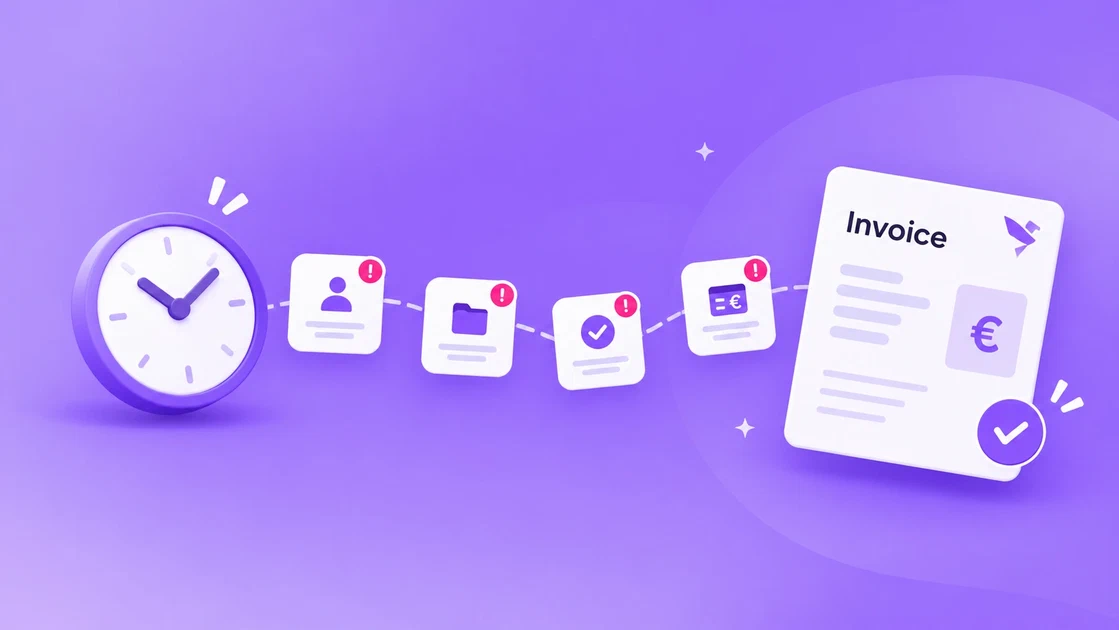
At the end of every month, it happens again: more hours were worked than were billed.
Not because anyone made a mistake. Usually, the team worked hard, the client is happy and the project went well. The hours just didn’t make it all the way to the invoice.
That gap is revenue leakage: work that was done and could have been billed, but never reached the invoice. It rarely comes from one big error. It comes from small moments between time tracking and invoicing, where hours, projects and invoices live in different places. This article walks through the 4 moments where hours get lost, and what you can do about each one. At the end, you’ll find a month-end checklist you can use this month.
1. Hours that aren’t logged (on time)
The most common leak is also the simplest: hours that never get logged.
Someone spends 40 minutes on a client call, plans to write it down later, and later becomes Friday afternoon. By then, the call is a vague memory. The hours that do get logged are rounded down, merged into one entry, or forgotten.
The longer the gap between doing the work and logging it, the more disappears. Hours logged the same day are close to complete. Hours reconstructed at month-end are a guess.
What helps:
- Make daily logging the norm, not a month-end task. A short moment at the end of each day is enough.
- Keep logging close to the work. If people have to open a separate tool to log time, they’ll postpone it.
- Look at missing hours weekly, not monthly. A gap spotted on Friday is easy to fill. A gap spotted on the 30th usually isn’t.
2. Hours on the wrong project or budget
The second leak is quieter. The hours are logged, but on the wrong project, the wrong phase or a general “internal” bucket.
It happens when the project list is out of date, when a new project hasn’t been set up yet, or when someone isn’t sure which budget a task belongs to. The work was done, but on paper it belongs to nobody, or to a project that has already been invoiced.
The result: one project looks over budget, another looks suspiciously cheap, and neither picture is right.
What helps:
- Set up a project, with its budget, as soon as the quote is signed, before the first hour is worked.
- Close finished projects and phases, so nobody can log time on them by accident.
- Keep the list of open projects short and clearly named. If people have to guess, they’ll guess wrong.
3. Billable or not: unclear agreements
The third leak isn’t about logging at all. It’s about agreements.
Is that extra round of revisions billable? What about the call where the client changed the brief? Travel time? A small fix after launch? If the answers live in someone’s head or an old email thread, every person on the team makes their own call. Usually in the client’s favor.
Unclear agreements also slow down invoicing. If the person preparing the invoice has to ask around which hours count, the invoice goes out later, or with hours quietly left off.
What helps:
- Agree per project what’s billable, and write it down where the team logs time, not only in the quote.
- Use a clear default for gray areas, such as “revisions beyond 2 rounds are billable”, and tell the client up front.
- Let people mark hours as billable or not while they log them, instead of deciding afterwards.
4. Copying hours to the invoice by hand
The last leak sits right before the finish line. Hours are exported from one tool, cleaned up in a spreadsheet and typed into the invoicing software.
Every step is a chance for something to slip: a filter set wrong, a row missed, a rate from last year, a project left out because the export ran before someone logged their last hours. And because it’s tedious work, it often gets done late, or on the weekend.
What helps:
- Cut the number of steps between logged hours and the invoice. Every export and copy is a place where hours can get lost.
- Check totals per project against the budget before the invoice goes out, not after.
- Fix a moment for month-end, so it doesn’t drift into the next month.
Checklist: your month-end close in 5 steps
Use this in the last week of the month.
- Remind the team 3 days ahead. Ask everyone to complete their hours before the last working day, not on it.
- Check for missing hours. Compare logged hours per person with their available hours. Gaps are usually missing entries, not free time.
- Check hours per project. Look for hours on closed projects, on “internal” or on the wrong phase, and move them.
- Settle what’s billable. Go through gray-area hours with the project lead and decide, using the agreements per project.
- Compare with the budget, then invoice. Check totals against the budget, explain any overrun to the client before they see it on the invoice, and send.
How FlowQi helps
Most of these leaks have the same cause: hours, projects, budgets and invoices live in different places, and someone has to keep them in sync by hand.
FlowQi brings clients, projects, tasks, time tracking and invoicing together in one place. Your team can log hours directly against the project and task they’re working on, so the hours are assigned to the right budget from the start. You can also see how many hours have been worked against each project’s budget while the project is still running, rather than discovering an overrun at the end of the month.
There’s an even easier way to do it. By connecting Hummy to their preferred AI chatbot, such as ChatGPT or Claude, team members can log their hours simply by sending a message through the chatbot they already use. Hummy takes care of the rest.
And when it’s time to invoice, the hours are already there. No exports, no spreadsheets and no manual copying between systems.
That makes month-end a check instead of a reconstruction.
Want to see how it works for your agency? Request a demo.
People Also Ask
What is revenue leakage at an agency?
How often should a team log their hours?
How do you decide which hours are billable?