Agency automation vs AI agents: when to use which

Most agency software shows you information. The work itself is still done by hand: copying hours, updating statuses, preparing invoices. Agency automation changes that, and it doesn’t have to start as a big IT project. Neither do AI agents, the other kind of software that does the work.
This article covers what automation really means for an agency, what it looks like in practice, how it differs from agentic AI work, and how to set it up in FlowQi.
What automation is (and what it isn’t)
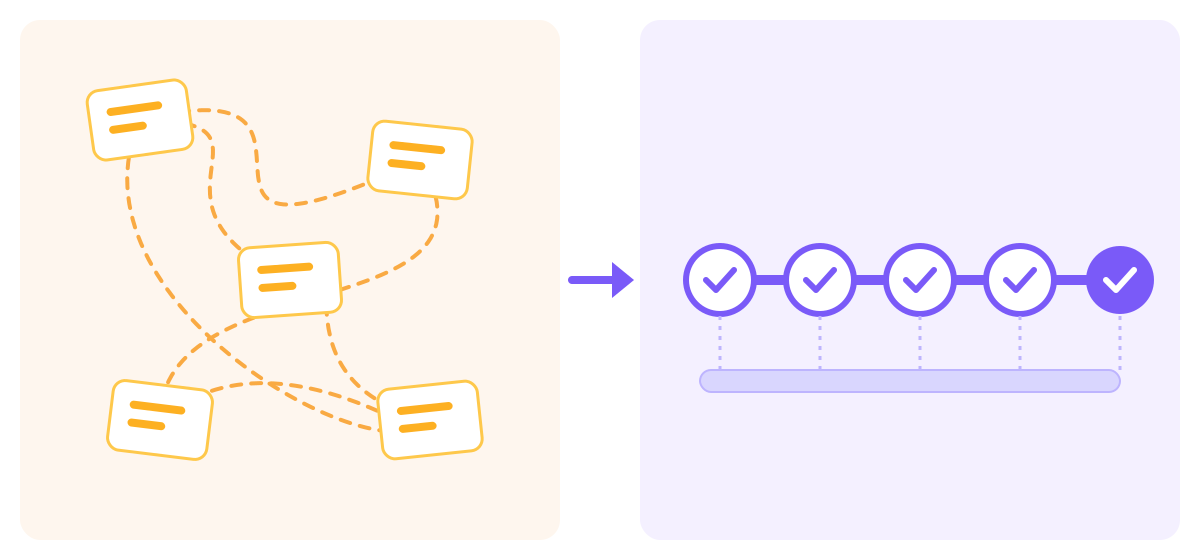
Automation at an agency means one thing: when information is entered once, the next step happens without someone copying it over.
Think of the way work moves through an agency. A lead becomes a quote. A signed quote becomes a project with a budget. People get planned on that project, log their hours, and those hours end up on an invoice. Every arrow in that chain is a handover. Automation is what happens at those handovers.
There are two ways a handover can be automated:
- The data is shared. The project, the hours and the invoice use the same client and the same budget, so there is nothing to copy. This is the quiet kind of automation: nobody sets anything up, it just doesn’t need doing.
- A trigger starts the next step. Something happens (a quote is signed, a project reaches 80% of its budget, the month ends) and the next step follows: a project is created, a project lead gets a heads-up, the billable hours are ready to invoice.
What automation is not is just as important, because that’s where most agencies get stuck:
| Automation is | Automation isn’t |
|---|---|
| Removing the copying between steps | Removing the people who make decisions |
| Small handovers that happen every week | A big IT project with a developer and a roadmap |
| Information entered once, used everywhere | Five tools held together with integrations |
| A check you still do, faster | Skipping the check before an invoice goes out |
| Starting with the most boring task | Starting with the most impressive one |
The last row matters most. The tasks worth automating first are rarely exciting. They’re the ones your team does every week without thinking, which is exactly why nobody notices the hours they cost.
Automation in practice: three handovers that disappear
What does good automation look like day to day? Here are three moments every agency recognizes, before and after.
1. From signed quote to running project
Before: The client signs. Someone opens the project tool and re-enters the client, the scope and the budget from the quote. The quote said 32 hours, the project says 40, and nobody notices until the budget runs out.
After: The signed quote becomes the project. Client, scope and budget come along as they are, so the numbers your team works against are the numbers the client agreed to.
2. Seeing a budget overrun before it happens
Before: A project lead exports hours once a month, puts them next to the budget in a spreadsheet and finds out the project is 30% over. The hours are already spent.
After: Hours count toward the budget the moment they’re logged. When you plan someone on the project, you see what that booking does to the remaining budget before you confirm it. Overruns become a conversation in week two, not a surprise at month-end.
3. Month-end without the rescue mission
Before: Reminders to log hours, then exports, a spreadsheet, and copying lines into accounting software. Month-end takes days, and some billable hours never make it onto an invoice. (We wrote about where those hours go in From hours to invoice.)
After: Hours are logged against the right project and budget during the month. At month-end, the billable hours are already where the invoice needs them. You review and send, instead of rebuilding.
In all three, nothing magical happens. The difference is that the information was entered once, in a place every next step can use.
What is an AI agent?
An AI agent is software that carries out a task on its own, based on a goal you give it in plain language. Where automation follows fixed rules, an AI agent decides for itself which steps it needs to reach that goal.
AI agents vs automation: what’s the difference?
AI agents and automation both do work for you, but they’re not the same. Knowing the difference helps you choose the right one for each task.
Automated work follows fixed rules. The same input always leads to the same result. When hours are logged, the budget updates. When the month ends, billable hours are ready to invoice. You set it up once, and it does exactly that, every time.
Agentic work starts from a goal. You tell an AI agent, such as Claude or ChatGPT connected to your tools, what you want done, and it works out the steps itself. “Move our clients and projects over from the old tool.” “Write a status update for this client.” “Which projects are close to their budget?” The agent reads, decides and acts, and the result can differ each time.
| Automated work | Agentic work | |
|---|---|---|
| Starts from | A rule or a trigger | A goal, in plain language |
| Result | The same every time | Depends on the situation |
| Best for | Repeatable handovers with clean data | Messy, one-off or varied tasks |
| Example | Hours count toward the budget | Importing data from three old tools |
| You check | Rarely, once it works | Every result, before it goes out |
When to use which
Use automation for the handovers that happen every week in the same way. Predictability is the point: you want the budget to update the same way every time, not creatively.
Use an agent when the work doesn’t fit a rule. Data that’s spread over spreadsheets and old tools, a question nobody built a report for, or a summary that needs judgment. Agents are good at exactly the tasks automation can’t handle, as long as a person reviews what they produce.
The two work best together. An agent is only as good as the information it can reach. When clients, projects, hours and invoices live in one place, an agent can answer a question in seconds. When they’re spread over five tools, it spends its time on the same copying your team was trying to stop doing.
Or combine them: an automated AI agent
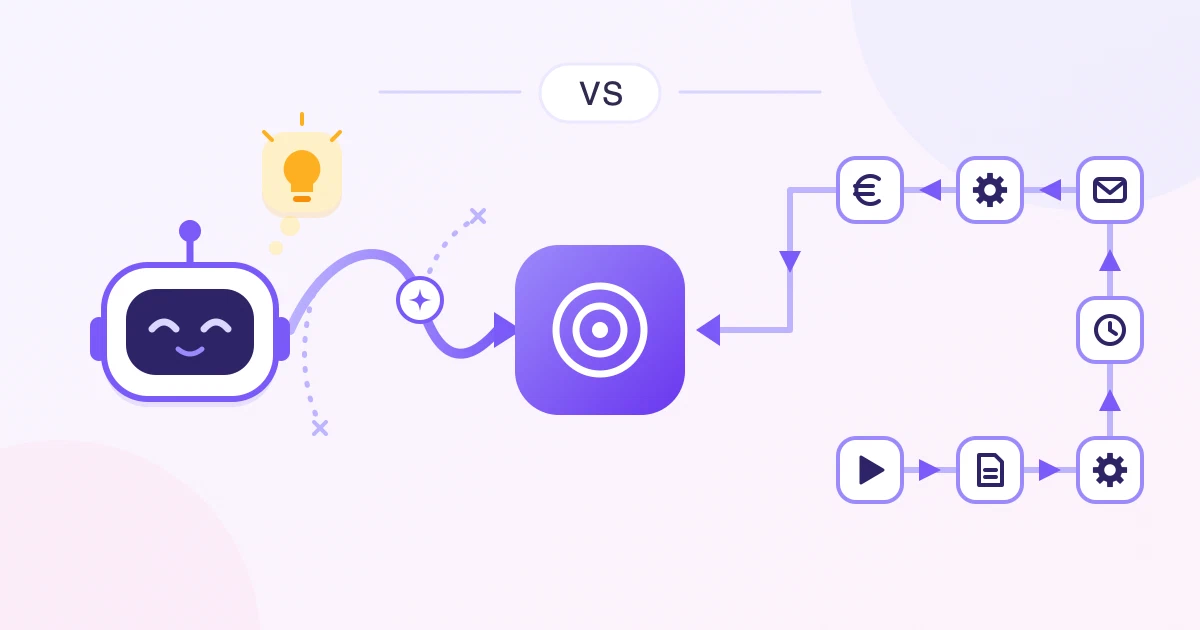
You don’t always have to choose. An automated AI agent combines both: automation decides when the agent starts, and the agent decides how to do the work.
The trigger is a rule, just like regular automation: a set time, or an event such as a signed quote or the end of the month. What happens next isn’t a fixed rule but a goal the agent works toward. A few examples:
- Every Monday at 9:00, an agent looks at all running projects and sends the project lead a short overview of the ones close to their budget, with a line on why.
- When a quote is signed, an agent reads the quote, even if it arrived as a PDF, and prepares the project with the client, scope and budget, ready for someone to check.
- On the last working day of the month, an agent checks each person’s hours for gaps and drafts a reminder for everyone with missing hours.
The rule from above still applies: the agent prepares, and a person checks before anything goes to a client. Start with a task where the agent only reads and reports, like the Monday overview, before you let it make changes.
How to do it with FlowQi
We built FlowQi around one belief: software should do work, not just show information. Clients, projects, planning, hours and invoicing live in one platform, so most handovers don’t need automating at all. Here’s how to set it up, step by step.
- Bring your data with you. Connect an AI assistant such as Claude or ChatGPT to FlowQi, and it moves your contacts, deals and projects over from your current tools. No spreadsheets. Our team helps with the migration during onboarding, for free.
- Start every project with a budget. Create the project from the signed quote, so the client, scope and budget the client agreed to are what your team works against.
- Plan with the budget in view. When you book someone on a project, FlowQi shows who is free and what the booking does to the remaining budget, before you confirm.
- Log hours where they count. Hours are logged against the project and budget, so the budget updates as the work happens. Your team can also log hours by simply telling Claude or ChatGPT what they worked on.
- Invoice what’s billable. At month-end, the billable hours are already linked to the right client and project, ready to turn into an invoice.
- Hand the routine to your AI assistant. With FlowQi connected to Claude or ChatGPT, you can ask for the small jobs in plain language: an overview of projects close to their budget, a status update for a client, or a cleanup of your task list.
Because everything shares the same data, there are no integrations to maintain between your CRM, your project tool and your invoicing. The automation is built in. Plans start at €20 per user per month for Core; see the pricing page for the details.
Start small, start with one handover
Automation at an agency isn’t about replacing people or building something complex. It’s about the small handovers between tools that quietly cost hours every week. Pick the one your team retypes most often, and fix that first.
Curious what it looks like when those handovers disappear? Try FlowQi free for 14 days with your whole team, no annual contract. Or book a demo and we’ll show you with your own workflow.
People Also Ask
What's the difference between an AI agent and a chatbot?
Is an AI agent the same as automation?
Do I need a developer to use AI agents at my agency?
Is it safe to give an AI agent access to my data?
Are AI agents useful for small businesses and agencies?
Will AI agents replace my team?
What does it cost?